What you're actually registering
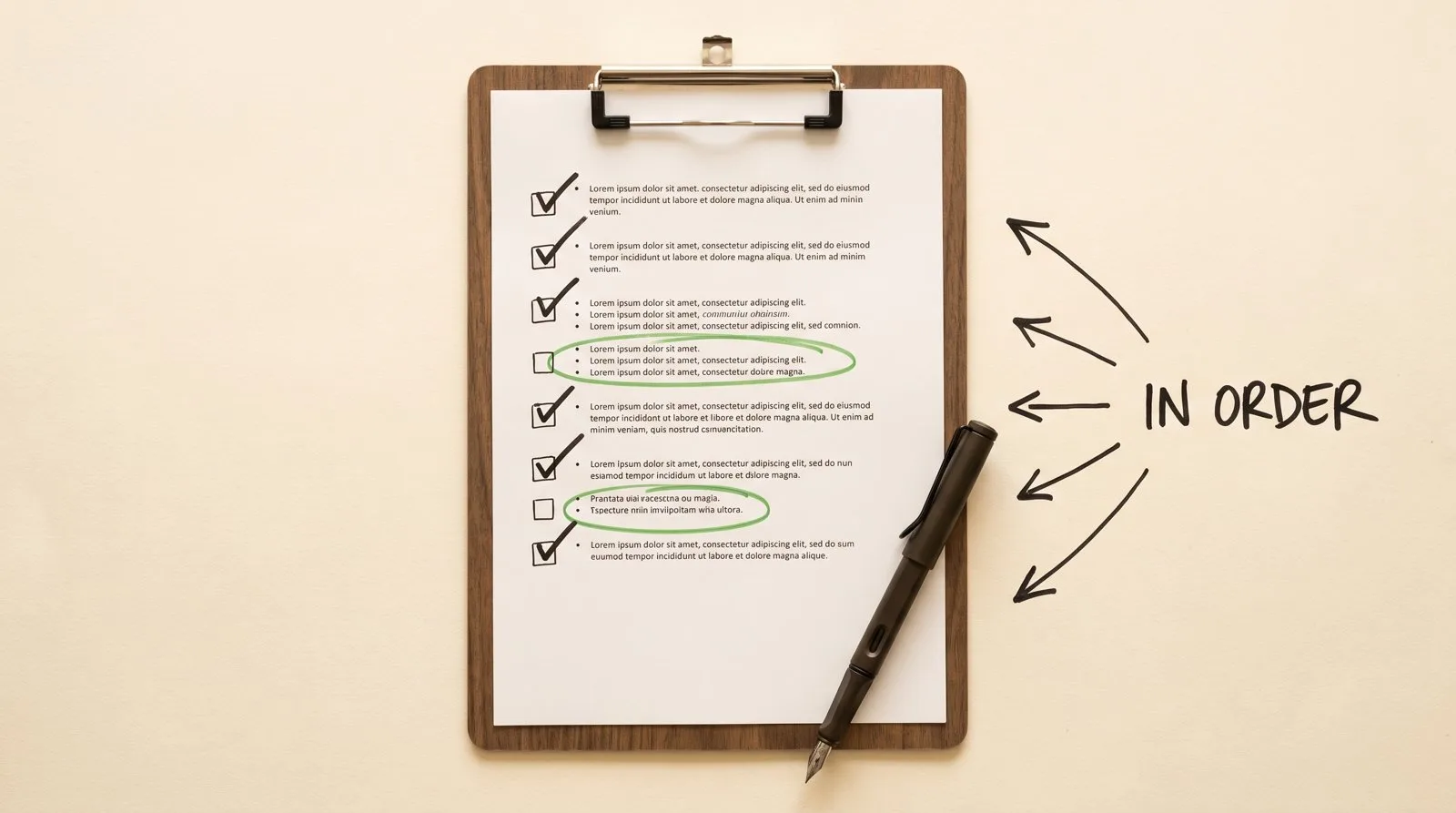
A2P 10DLC registration is two filings, in order: a brand (your business identity) and a campaign (your texting use case, with proof of customer consent). Both go through an industry clearinghouse called The Campaign Registry, usually via your texting provider — Twilio or a platform built on it — and both must be approved before US carriers treat your texts as legitimate business traffic instead of filtering them.
The order matters because the campaign hangs off the brand: you can't register what you send until the registry knows who you are. A third piece — your website's consent flow — isn't a filing at all, but it's what the reviewer actually verifies, so this checklist spends real time on it. If you're still diagnosing whether registration is your problem, start with why business texts stop delivering.
Before you file: gather this
Fifteen minutes of gathering prevents the silent failures that surface weeks later — brand registration is checked against government records. Have these in front of you before you open any form:
- Your legal business name, exactly as it appears on your IRS records — not your trade name, not the sign on the door.
- Your EIN (federal tax ID) — sole proprietors without one have a separate low-volume path.
- The business address on file with the IRS, matching character for character.
- Your business type (LLC, corporation, sole proprietor) and industry category.
- If you operate under a DBA: the paperwork connecting the trade name to the legal entity, and a website footer that shows the relationship ("TradeName, a DBA of LegalEntity, Inc.").
- Your website URL — live, plus the direct URLs of your privacy policy and terms pages. Those two are hard prerequisites now, not nice-to-haves: as of this writing in July 2026, the carrier registration process requires a privacy policy URL and a terms and conditions URL as fields on a new campaign registration, and Twilio's changelog says campaign creation requests missing either one get rejected during review. "Publicly accessible" means what it says — reachable without a login, and an ordinary web page rather than a PDF download.
- The phone number (or numbers) you'll text from, and access to whatever platform hosts them. If you're still texting from a personal cell or a number buried in someone else's tool, set up a business phone line you own first — the registration attaches to it.
Brand registration checklist
The brand filing is the easier half: it succeeds when your details match official records, and it fails quietly when they don't. Work through these:
- File under the legal entity name, with the EIN and the IRS-matching address.
- Pick the honest business type and vertical — creative categorization reads as evasion, and regulated verticals get reviewed either way.
- Use a real contact email on a domain you control, ideally matching your website domain.
- If you have a DBA, register the brand as the legal entity and plan to state the DBA link inside the campaign description — a trade name that doesn't visibly connect to the registered brand is one of the most common rejection triggers.
- Once a brand is approved, keep it. Campaign problems never require deleting or re-vetting the brand, and doing so just resets your progress.
Consent and opt-in: the part that sinks most applications
Before you touch the campaign form, build the consent flow on your website — because the campaign reviewer will personally try to find it, and an unfindable or incomplete opt-in is the most common reason first submissions fail. We've decoded the specific rejection codes this causes in the campaign-rejection guide; here's the flow that passes:
- A consent checkbox on the form where customers give you their number — in static, crawlable HTML, visible in the page source, not hidden inside a JavaScript widget or popup.
- Unchecked by default. The customer must actively check it; pre-checked boxes don't count.
- Consent language that includes, all in one place: your business name; what kinds of messages you'll send; "Message and data rates may apply"; "Message frequency varies"; "Reply STOP to opt out, HELP for help"; a statement that consent isn't a condition of purchase and isn't bundled with anything else; and links to your privacy policy and terms.
- The same consent text, word for word, at every opt-in point — a form that says one thing and a widget that says another is itself a rejection flag.
- A privacy policy that doesn't contradict any of it — no "we share data with marketing partners" boilerplate, and ideally an explicit line that mobile numbers and SMS consent are never sold or shared with third parties for marketing.
- A screenshot of the live checkbox, saved for the campaign filing — plus records of who opted in, when, and on which form, kept as evidence going forward.
Campaign registration checklist
The campaign filing succeeds when a reviewer can match everything in the form to what they see on your live website. Field by field:
- Use case: pick what you actually do (customer care, appointment reminders, marketing). Mixed use is registrable — describe all of it honestly.
- Campaign description: concrete and factual. Who sends, who receives, how those people opted in (name the page), what the messages contain. If you're a DBA, tie the trade name to the registered brand right here. If your vertical attracts affiliate-marketing suspicion, state plainly that you don't send third-party or affiliate messages.
- Opt-in description: quote your consent checkbox text verbatim, name the page it lives on, and attach the screenshot.
- Sample messages: real messages you'd actually send, matching the described use case, each ending with "Reply STOP to opt out, HELP for help."
- Attribute flags: answer honestly whether messages include links, phone numbers, or age-gated content. A sample message that contradicts a flag is a rejection.
- Privacy policy and terms URLs: both are required fields on a new campaign registration, and both have to be your real, publicly reachable pages rather than placeholders. Open each one in a logged-out browser window before you file — a link the reviewer can't open counts as a missing one. Note this is separate from linking those same pages inside your consent language above: they're two requirements, and doing one doesn't satisfy the other.
- After approval, link your sending number to the approved campaign in your platform — an approved campaign with an unattached number still can't send.
STOP, HELP, and the required disclosures
Opt-out and help keywords aren't optional features — they're baseline requirements, and reviewers check for them in your samples and consent language. Make sure your setup handles:
- STOP (and its siblings: CANCEL, END, QUIT, UNSUBSCRIBE) — immediately stops messages to that number. Most platforms enforce this automatically; your job is never to route around it.
- HELP — returns your business name and a way to reach you.
- A confirmation message when someone opts in, restating what they signed up for, that frequency varies, that message and data rates may apply, and how to opt out.
The timeline
Filing takes an afternoon once your materials are ready; approval runs on the carriers' clock — brand registration often clears in minutes to days, and campaign review is the long pole, running days to a few weeks depending on backlog and how much scrutiny your industry draws. As of this writing in July 2026, Twilio's onboarding documentation says campaign reviews are running roughly 10 to 15 days because of elevated submission volume, so check your own provider's current published figure before you promise anyone a date. The stage-by-stage breakdown, including what turns days into weeks, is in how long A2P 10DLC registration takes. Plan for the realistic middle: if texting matters to your revenue next month, start the registration now — or start with the $75 audit to confirm texting is the leak worth fixing first.
What you control is the number of review cycles. A clean first submission passes once; a sloppy one burns a full review cycle per mistake, and rejections often carry two problems at once. That's the argument for doing this checklist in order — website first, filings second.
What it costs on the carrier side
Expect three kinds of carrier-side charges, billed through your texting provider: a one-time brand registration fee, a recurring (usually monthly) campaign fee that varies by use case and volume tier, and small per-message carrier surcharges that vary by carrier. We deliberately don't print amounts here — they're set by the registry, the carriers, and your provider, and they change; your provider's current pricing page is the source of truth.
Two honest notes: low-volume paths for sole proprietors and small senders cost less, and carrier-side fees are generally modest next to what filtered texts cost a business that depends on follow-up. Beware of anyone quoting one flat "compliance fee" without separating their service fee from these carrier-side pass-throughs.
After you're approved
Approval means carriers now deliver your traffic as registered business messaging — but three housekeeping items keep it that way. First, check what's queued: messages held while you were unregistered may auto-send on approval — review them and clear out test messages first. Second, keep your consent evidence organized — opt-in records are what protect you if a recipient ever disputes consent, and logging who opted in, when, and on which form is exactly the kind of thing a properly built CRM does for you automatically. Third, keep the campaign truthful: if your use case changes materially (you start sending marketing when you registered customer care), update the campaign rather than drifting away from what you registered.
One boundary worth restating: registration satisfies carrier requirements — it doesn't settle your obligations under telemarketing and privacy laws like the TCPA. That's between you and your counsel, and any consent language you deploy is worth their review. It's the same line we draw for our own A2P registration and setup service: we build and file the plumbing correctly; we don't practice law.